
Sparklight Business Shield: Complete Tech Support, Remote & On-Site
Keep your business running without the stress of tech issues or surprise technician visit costs. With Business Shield, you get unlimited U.S.-based remote IT support for your internet-connected devices—plus on-site Sparklight Business technician visits at no additional charge when hands-on help is needed.
- Unlimited remote expert support (6 a.m. – 10 p.m. CT) for eligible internet-connected devices
- Assistance with email setup, cloud storage, file backups and more
- Sparklight technician visits included—no service call fees regardless of the cause
- Diagnosis and repair of on-site wiring, equipment, and connectivity issues
One simple solution to keep your business running
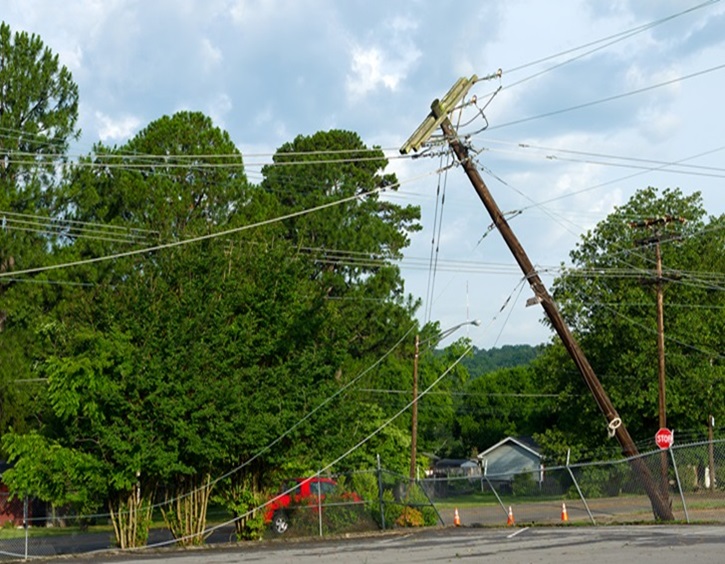
Always-On Internet: Stay Connected During Outages
Always-On Internet Backup is a wireless LTE failover solution that automatically switches your business internet connection to a cellular network during an outage. Once the outage is repaired, you’re automatically switched back to your wired connection.
It’s so seamless, you might never know you experienced an outage.

Stay Protected Against Cyber Threats
Sparklight SecurityAdvantage: Internet Access, powered by Harmony SASE, protects users from phishing, ransomware, zero-day attacks and malware while browsing online across all major browsers. Additional features include:
- Protection against corporate password reuse
- Helps prevent corruption of your desktop or laptop
- Helps block malicious website traffic
Get protected, talk with an adviser today.
-Business-purple.svg)
![[#MSP_NAME#] Logo](/themes/sparklight_business/images/transition-logos/migration-banner-logo-[#MSP_CD#].png)
